Photo Culling Guide (2026): What It Is, How to Cull Faster & Best Tools
Coming home from a wedding with 4,000 raw images is daunting. Photo culling, the process of choosing your best images and rejecting the rest, is often the most tedious part of a photographer's workflow. A clear process and the right tools can turn it from a multi-day slog into a few focused hours.
What Is Culling in Photography?
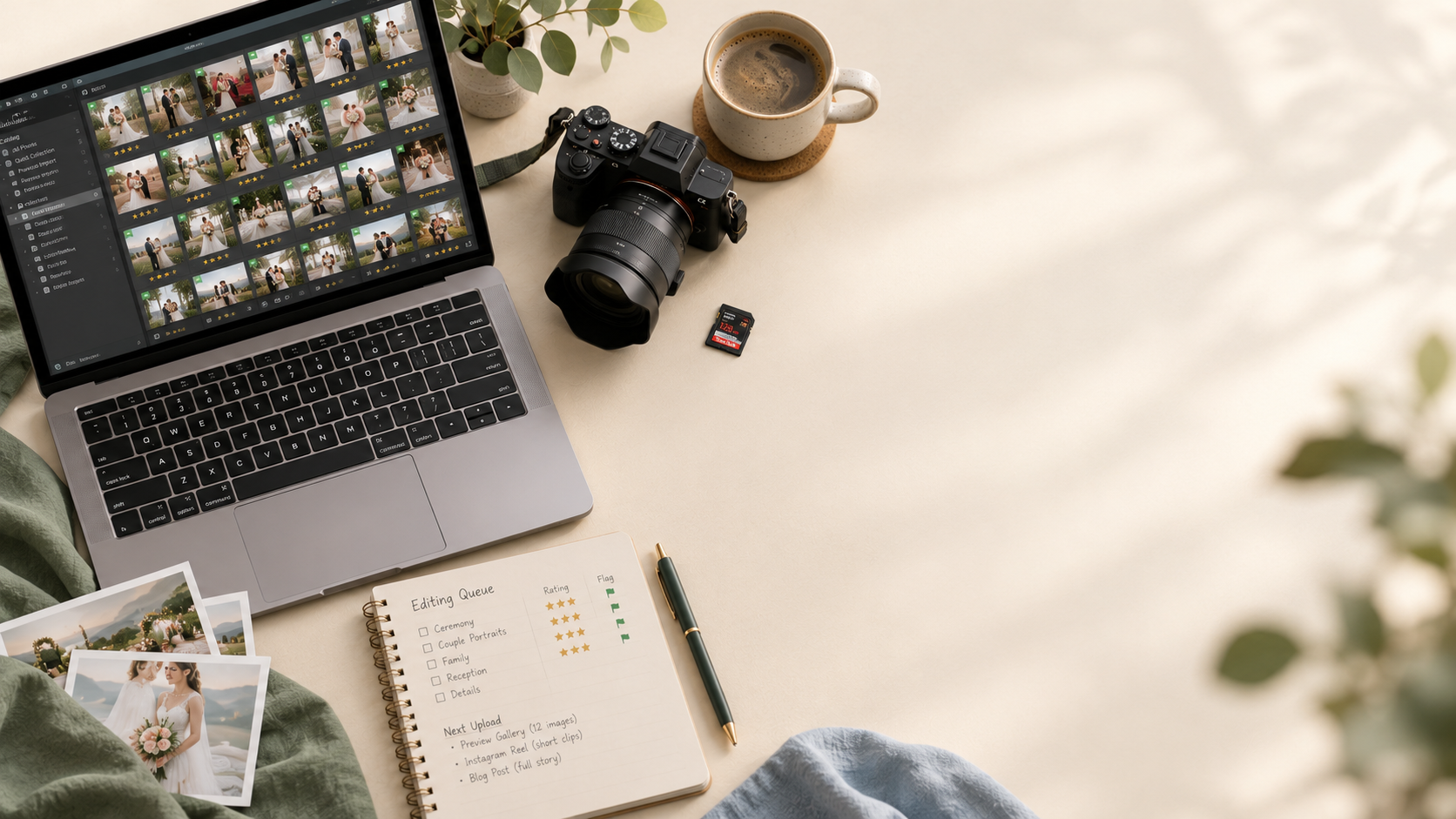
Culling in photography means reviewing all the images from a shoot and selecting the "keepers" while rejecting the rest. You look for sharp focus, good lighting, genuine emotion and strong composition, and you discard blurry, poorly exposed, or near-duplicate shots. Culling decides which photos you work on, and editing decides how they look.
In this guide:
- What culling is
- A step-by-step culling method
- What to keep and what to reject
- Manual vs. AI culling tools
- How to cull for an album
- FAQs
How to Cull Photos Faster: Step by Step
1. Back up first
Copy your files to at least two locations before touching anything. Never cull from your only copy.
2. Import into a fast viewer
Slow previews are the biggest culling bottleneck. Use software that loads RAW previews quickly rather than building a full catalogue first.
3. Cull in passes
Work through the shoot more than once instead of trying to be perfect in one pass:
- Pass 1: Remove technical failures. Missed focus, closed eyes, motion blur, and accidental frames.
- Pass 2: Choose the best from each moment. Where you shot a series of near-identical frames, keep the strongest one or two.
- Pass 3: Check the story. Make sure key moments, people and details are covered, and trim any remaining repeats.
4. Cull inwards (positive selection)
Instead of marking photos to delete, mark only the ones you want to keep. Rating the "yes" images is usually faster and keeps your attention on what makes the final set strong, rather than on everything that went wrong.
5. Don't edit while you cull
Resist adjusting exposure or cropping during selection. Switching between judging and editing breaks your rhythm. Finish culling first, then edit.
6. Take a break and do a final check
Fresh eyes catch weak shots you kept and good ones you rejected.
What to Keep and What to Reject
Keep:
- Sharp focus on the subject's eyes
- Genuine expressions and interactions
- Good light and clean composition
- The best frame from each key moment
- Details that help tell the story (rings, décor, venue)
Reject:
- Missed focus, blur, or camera shake
- Blinks and awkward mid-expression frames
- Heavily underexposed or blown-out shots
- Near-duplicates (keep the best one)
- Frames with distracting elements you can't fix
An Example: From 4,000 Images to a Finished Album
Numbers vary by shoot, but a typical wedding workflow narrows in stages:
| Stage | Example number |
|---|---|
| Shot | 4,000 |
| After first cull (technical failures and duplicates removed) | ~1,200 |
| Final gallery delivered | ~600 |
| Album selects | ~80 |
These are illustrative, not industry averages. Your numbers depend on how much you shoot and what you deliver.
Manual vs. AI Culling Tools
| Approach | How it works | Examples | Best for |
|---|---|---|---|
| Manual, speed-first | Very fast previews and keyboard-driven rating. You make every decision. | Photo Mechanic | Photographers who want full control and no AI |
| AI-assisted | AI flags blur, closed eyes and duplicates and groups similar shots. You review and decide. | Narrative Select, FilterPixel | Photographers who want help but final say |
| Fully automated AI | AI selects a first-pass set automatically, which you then adjust. | Aftershoot, Imagen | High-volume shooters who want the fastest first pass |
A few things to know when comparing:
- Local vs. cloud. Some tools (such as Aftershoot and Narrative Select) process on your computer, while others (such as FilterPixel and Imagen) use the cloud, which matters for older laptops and privacy.
- Free tiers exist. Narrative Select and FilterPixel both offer free plans or trials, so you can test on a real wedding before paying.
- Pricing varies and changes often, and many comparison articles are written by the vendors themselves. Check each tool's current pricing page before deciding.
Our advice: Test two tools on the same wedding and compare how many images each leaves you to fix manually. That's a more reliable guide than any ranking.
How to Cull for an Album
An album needs far fewer images than a gallery, so album selection is a second, separate cull.
- Finish your gallery cull and edits first.
- Work out your target. An album with 20 spreads and three to five photos per spread needs roughly 60-100 images.
- Pick for story, not only quality. Choose a clear arc, from getting ready and ceremony through portraits, reception and details.
- Choose "hero" images. These carry full-page or full-spread layouts, so pick your strongest vertical and horizontal frames deliberately.
- Balance orientation and variety. A mix of wide, tight and detail shots makes spreads easier to lay out.
- Keep a short reserve list of backup images in case a spread needs a swap.
From Culling to Album Design
Once your images are culled and edited, a printed album is a natural next product to offer clients. Import your final selects into AlbumMaker and the layout engine can draft spreads for you based on chronological order and image orientation / aspect ratio. You then refine layouts, and you can send the draft to clients through cloud client approval instead of emailing PDFs.
FAQs
What does culling mean in photography?
Culling is selecting the best images from a shoot and rejecting the rest, before editing and delivery.
How long does culling take?
It depends on the shoot and your method. Manual culling of a full wedding can take hours, and AI tools can shorten the first pass, though you'll still want to review the results.
Should I cull before or after editing?
Before. Cull first, then edit only the keepers.
What's the best way to cull photos fast?
Use a fast RAW viewer, work in passes, mark keepers rather than rejects, and don't edit while you cull.
Is AI culling good enough to trust?
It's a useful first pass, especially for blur, closed eyes and duplicates. Most photographers still review its choices for story and emotion, which AI can miss.
How many photos should I deliver from a wedding?
There's no fixed rule. Many photographers deliver a few hundred to over a thousand, depending on coverage length and their promise to clients.
Ready to Design Your Album?
Drop your culled selects into AlbumMaker and generate a first draft of your spreads instantly.
Try AlbumMaker free for 14 days →